



FBA Inventory: Days on Hand Calculator
What it looks at, what it flags, what comes back, what you can change.
- Unit sales over your short window
- Unit sales over your long window
- Current inventory quantity, every product in the catalog
- Zero inventory with recent sales, checked first
- Critical, Scarce and Low, against the cutoffs you set
- Healthy up to your ceiling, Overstock above it
- Days on hand at each velocity window
- A tier on every product
- Sorted most at-risk first
- Short and long sales windows
- Critical, Scarce, Low and Healthy cutoffs
- Changed on a run, not in the template
Where the runway runs out, and on what
Product sales + inventory on hand · sample
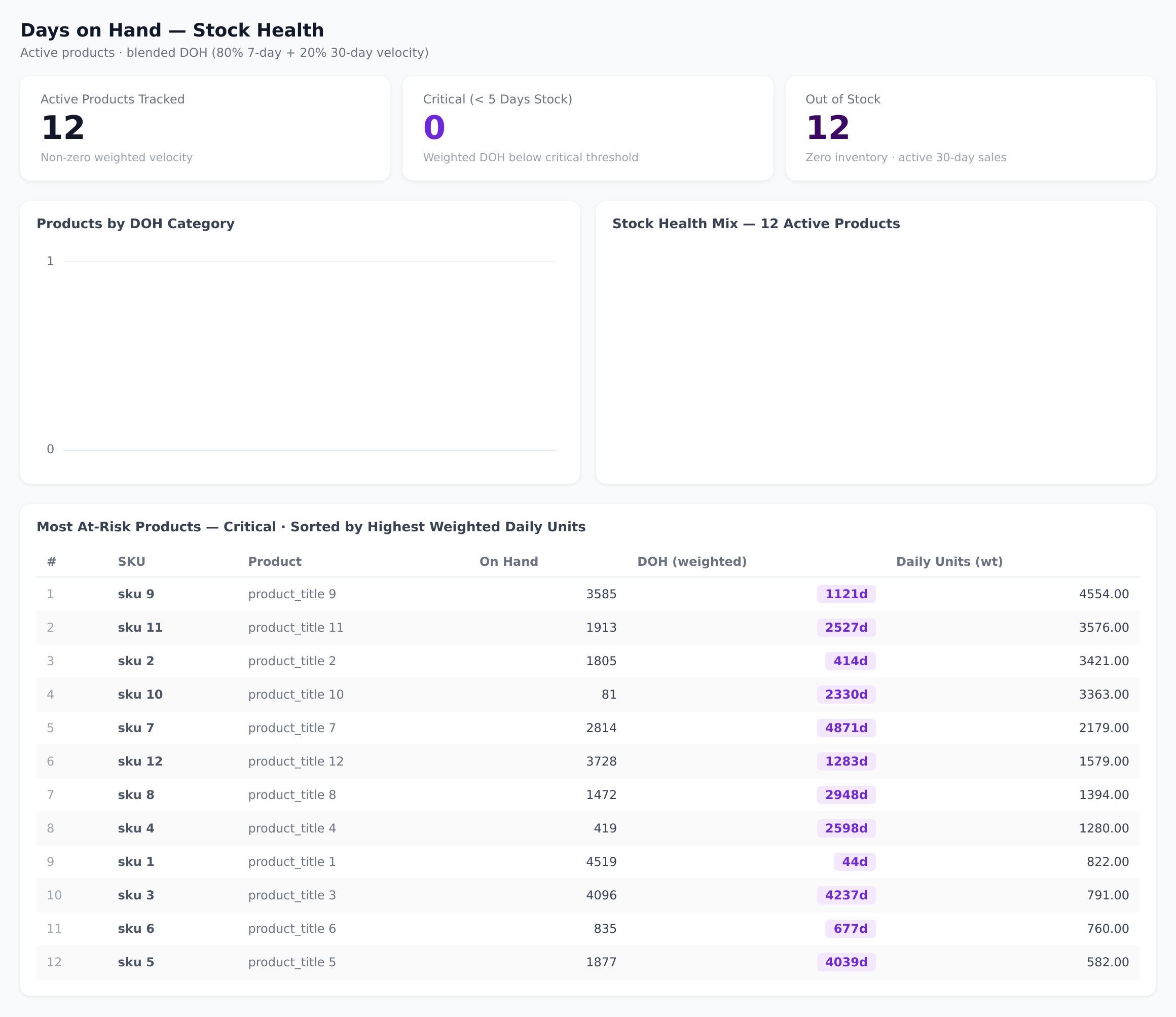
Sample figures. Your own numbers appear the first time the skill runs.
Frequently Asked Questions
The skill divides current inventory by daily sales velocity, taken from both a short and a long window. Every product in the catalog gets a days-on-hand figure at each rate, rounded to one decimal place.
A short window reacts to recent demand; a longer one smooths out noise. The skill reports days on hand at both, so you can see where the two disagree before you commit to a purchase order.
The table is sorted by short-window days on hand ascending, so the most at-risk products sit at the top. Products with zero inventory and recent sales are tagged Out of Stock before any other tier is applied.
Does this skill change anything in my account?
Yes. The Critical, Scarce, Low and Healthy cutoffs are all settings on the run, so a product line that turns in days and one that turns in months can be judged on the same page.
Anything above your Healthy ceiling is tagged Overstock. That list is where working capital is sitting, and it is the starting point for a promotion or price review.
Every one of these runs on your own account.