



OOS Budget Restoration Monitor
What it looks at, what it checks, what comes back, what you approve.
- Budget cuts from Out-of-Stock Spend Guard that were applied
- The original budget, the cut budget, and the cut share per SKU
- Current stock for every product advertised under those ads
- A SKU counts as recovered only when it is exactly in stock
- Scarce stock still counts as unresolved
- Named triggering SKUs only, never a placeholder
- Each advertisement sorted: ready, partial, still needed, unconfirmed
- The proposed budget, proportional to the cut that no longer applies
- Cuts still awaiting approval, listed for visibility only
- Each restoration proposed with the SKUs behind it
- Stock status before and after on every line
- Approve, and the budget is written back to the ad
Which cuts can come back, and by how much
Applied OOS cuts + catalog stock · sample
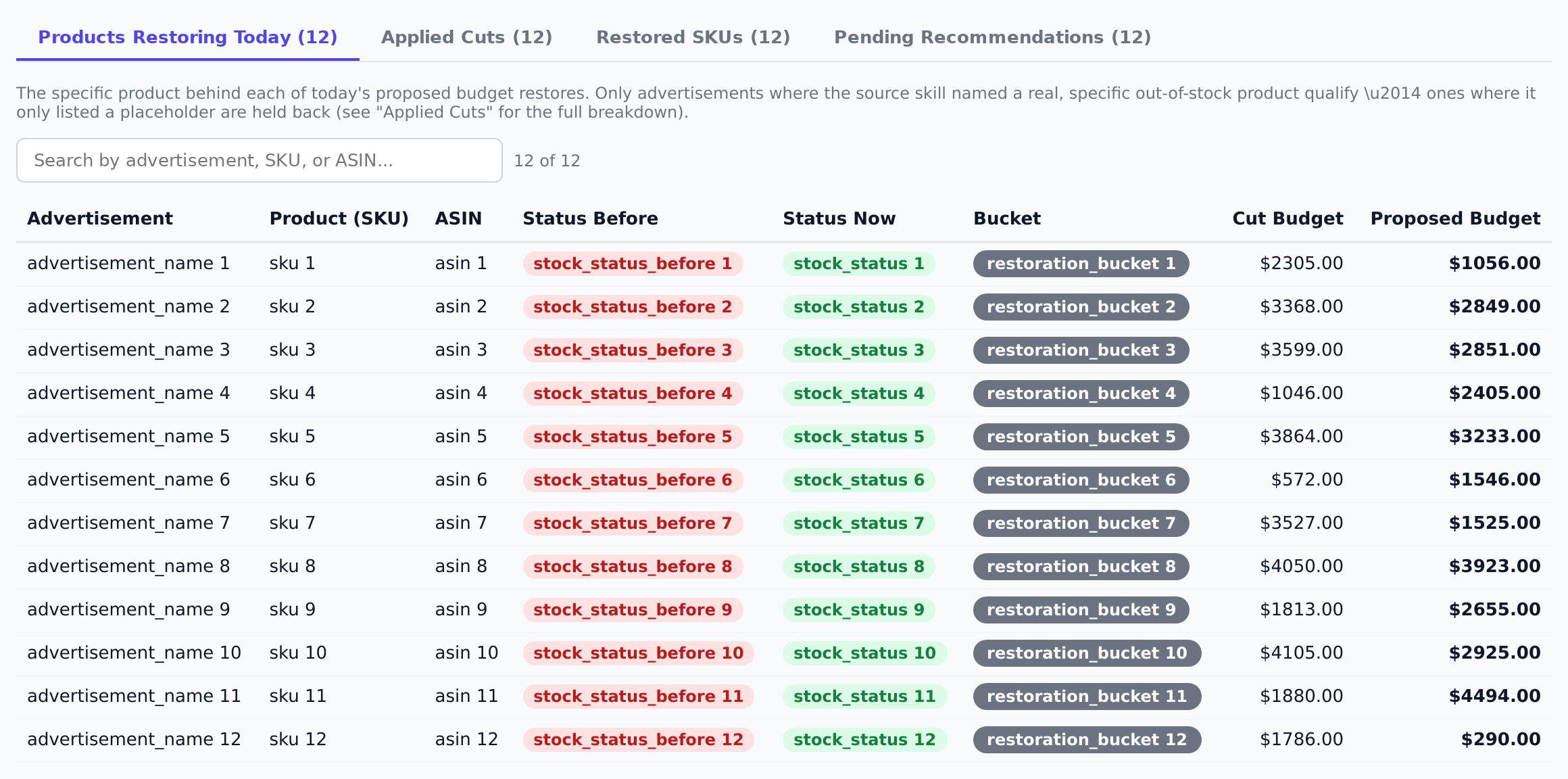
Sample figures. Your own numbers appear the first time the skill runs.
Frequently Asked Questions
This skill reads every Out-of-Stock Spend Guard cut that was actually applied, checks current stock for the SKUs that triggered it, and proposes a budget back up in proportion to the share of the cut that no longer applies. You approve, and it writes the budget to the advertisement.
Part, if that is all the stock supports. Each triggering SKU carried a share of the original cut, so if two of three SKUs are back, only their share comes back. Full restoration happens when every triggering SKU is in stock again.
It counts as unresolved. A SKU only counts as recovered when it is exactly in stock — scarce stock leaves the cut in place for that SKU's share.
Why does it skip some advertisements?
No. Pending recommendations are shown for visibility only. Restoration applies to cuts that were already applied to the account.
Daily, so an advertisement is not left cut for days after its stock came back. It reads the latest decision per advertisement from the last 30 days.
Every one of these runs on your own account.