



Trellis Managed: Brand vs Non-Brand Split
What it looks at, what it classifies, what comes back, what you can change.
- Search term reports across the lookback window you set
- Spend, sales, impressions and clicks on every query
- Trellis-managed and non-Trellis campaigns, side by side
- Queries containing your brand keyword, matched case-insensitively
- Several brand terms at once, separated by a pipe
- Queries below your minimum ad spend left out
- One row per week, brand type, campaign source and term type
- ROAS computed from summed spend and sales, never averaged
- Manual and auto targeted queries kept apart
- Lookback days and brand keyword
- Minimum ad spend and marketplace
- Same skill re-pointed at any Amazon account
Branded and non-branded spend, week by week
Search term report · sample
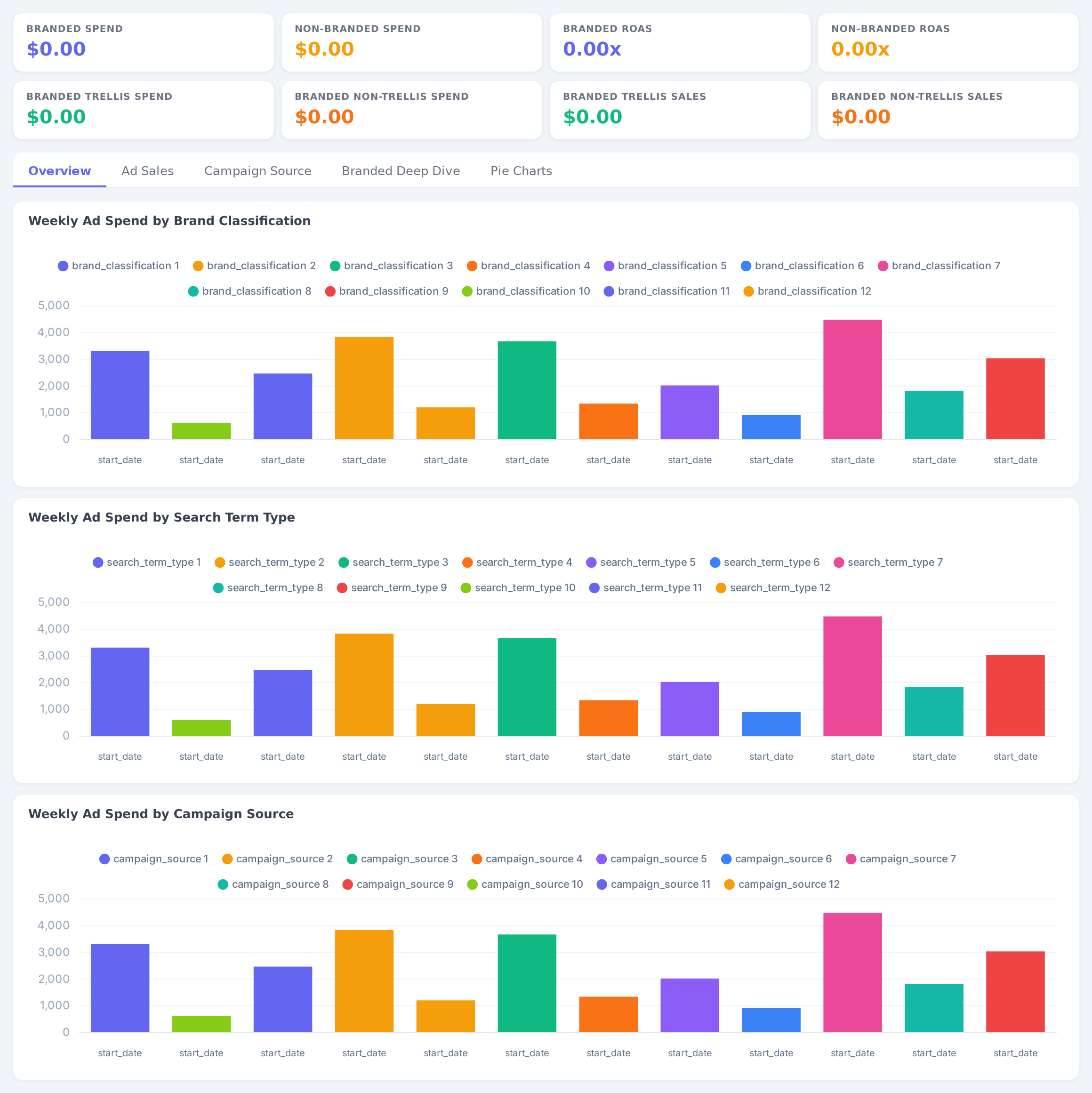
Sample figures. Your own numbers appear the first time the skill runs.
Frequently Asked Questions
The skill reads your Search Term Report, tags every customer query as Branded or Non-Branded on the brand keyword you set, and totals spend, sales and ROAS by week for each side.
A query is Branded if it contains your brand keyword. Matching is case-insensitive substring matching, and you can enter several brand terms separated by a pipe character.
Yes. Every weekly row is broken out by campaign source, so Trellis-managed and non-Trellis spend, sales and ROAS sit next to each other for both Branded and Non-Branded queries.
Does this change my campaigns or keywords?
Spend and sales are summed first for each week and segment, then ROAS is computed from those totals. Weekly ROAS figures are never averaged together.
Yes. Change the brand keyword and marketplace and the same skill runs against any Amazon account you have connected.
Every one of these runs on your own account.