



Campaign Budget Reallocation
What it looks at, how it classifies, what comes back, what you can change.
- Daily budget, spend, ad sales and ROAS
- Budget utilisation, to find campaigns pinned at their cap
- Amazon, on the marketplace you choose
- Donor: ROAS below the threshold you set
- Receiver: ROAS at or above it, and hitting the cap
- Hold: everything else, left alone
- Current budget, recommended budget, and the change
- Donor cuts weighted by ROAS weakness, gains by ROAS strength
- Portfolio total preserved: what is freed is what is received
- Marketplace, ROAS threshold, lookback window
- Donor cut percentage, receiver budget multiplier
- Changed on a run without touching the template
Who gives budget, who gets it, and how much
Sponsored Ads performance + daily budgets · sample
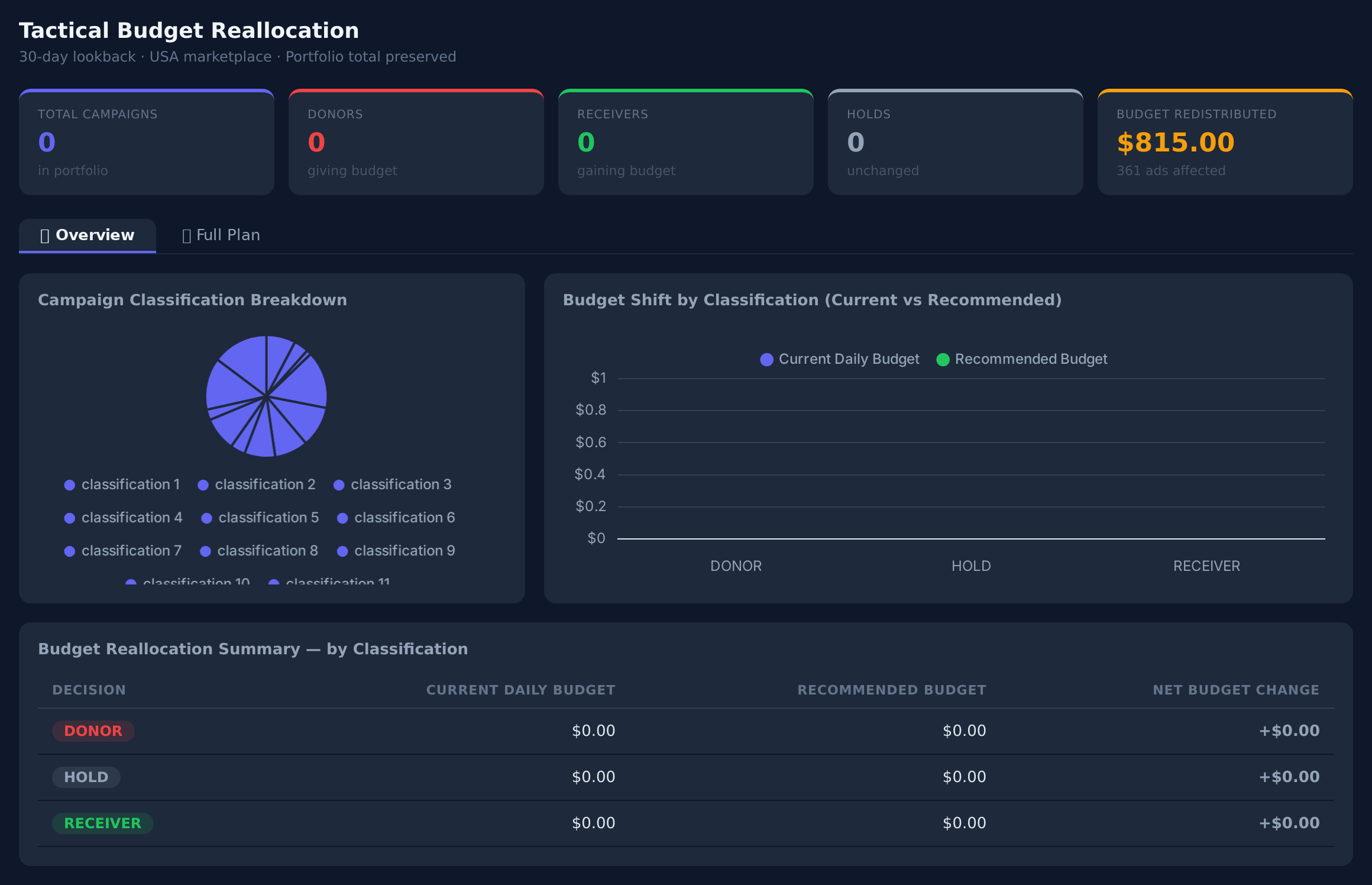
Sample figures. Your own numbers appear the first time the skill runs.
Frequently Asked Questions
This skill scores every active Sponsored Ads campaign on ROAS over your lookback window, cuts budget from those below your threshold, and hands it to those above it that are hitting their daily cap. The new daily budgets are staged as actions for your approval before they go live.
It changes them. Campaigns with a non-zero budget change are pushed to Amazon as permanent daily budget updates, pending your approval. Campaigns classified as hold are not touched.
The plan preserves the portfolio total: the budget freed from donors equals the budget received by receivers. It redistributes what you already spend rather than adding to it.
How does it decide which campaigns are budget constrained?
Lower the donor cut percentage, so a smaller share of donor budget moves per run, and lower the receiver max budget multiplier to limit how far any single campaign can grow in one run.
Yes. Set a weekly or monthly cadence and budgets move toward winners as performance changes. Campaigns that appear as donors every run are worth looking at directly — usually targeting, creative, or the product itself.
Every one of these runs on your own account.