



SQPR Brand Share Deep Dive
What it looks at, what it classifies, what comes back, what you can change.
- Search Query Performance, on the marketplace you choose
- Your clicks, add-to-carts and purchases per query
- Category totals for the same three metrics
- Queries carrying your brand name, case-insensitive
- Generic category demand, everything else
- Semantic classification, so no manual term list
- Branded and Non-Branded share, side by side
- Click, add-to-cart and purchase share per query
- A non-branded gap list, highest demand first
- Marketplace and brand name
- Purchase share ceiling for the gap list
- Minimum category purchases, to cut thin demand
Where the category buys, and where you don't
Search Query Performance · sample
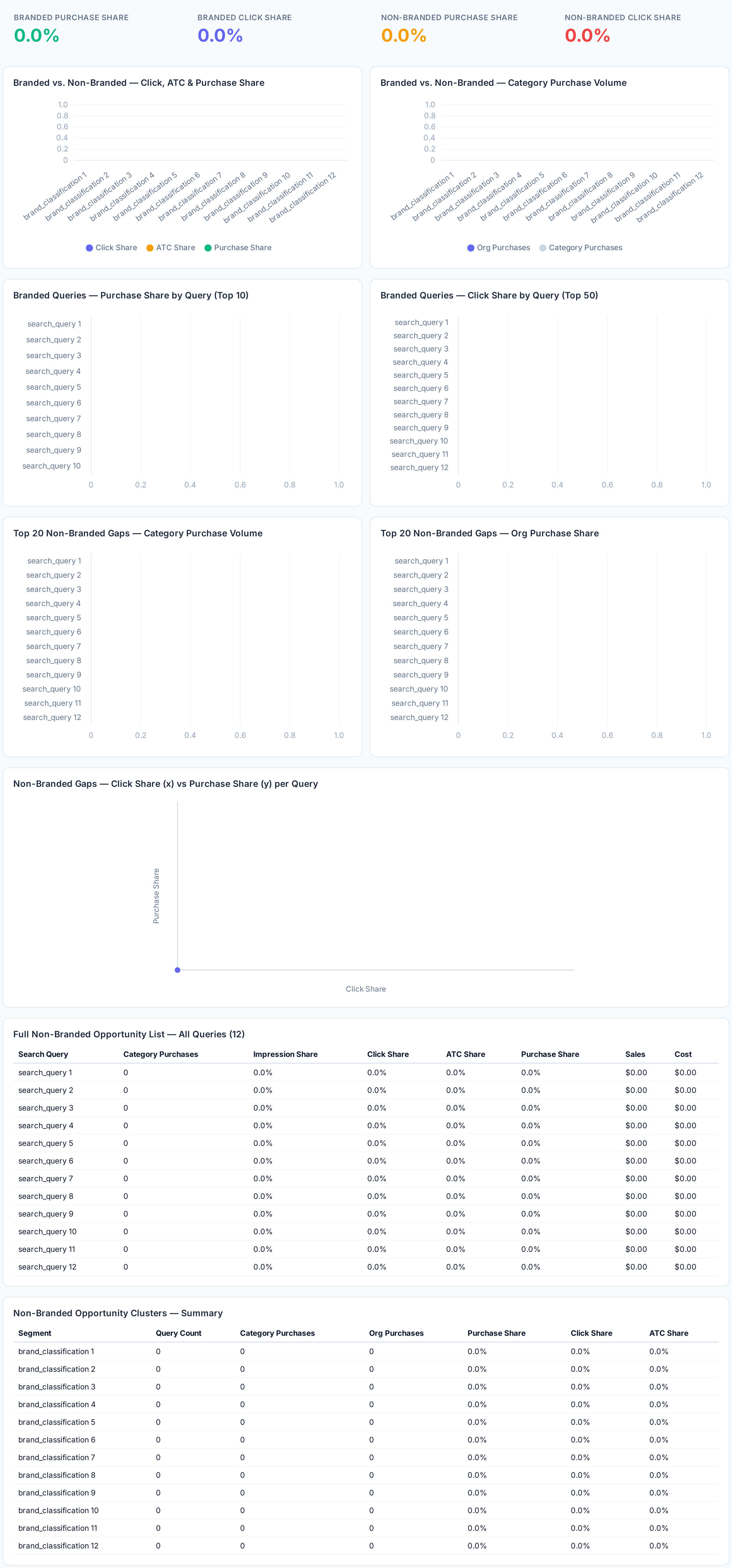
Sample figures. Your own numbers appear the first time the skill runs.
Frequently Asked Questions
The last step filters to non-branded queries with category purchase volume above the minimum you set and your own purchase share below your ceiling, then sorts by total purchases so the biggest gaps sit at the top.
It classifies every query as Branded or Non-Branded from query intent, using the brand name you set. Any query containing that term, case-insensitive, is labelled Branded; the rest are generic category demand.
Your purchases on a query divided by the category's total purchases on that query. The skill computes the same ratio for clicks and add-to-carts, so you can see where you lose shoppers along the funnel.
Does this skill change my campaigns?
The pull covers 90 days but drops the last three, because recent reporting still lags and would distort share figures.
Run it once per marketplace. Each run reads the Search Query Performance data for the marketplace you name, so the summaries sit side by side for comparison.
Competitors bid on your brand, your defense CPC climbs, and you find out when the invoice does.
Every one of these runs on your own account.