



Top Movers Weekly Tracker
What it looks at, what it ranks, what comes back, what you can change.
- Campaign, keyword, and ASIN performance, week against week
- Ad sales, impressions, and ACoS as the three signals
- Total sales, organic and ad, on the product side
- Campaigns by ad sales change
- Positive keywords only — exact, phrase, broad
- ASINs by total sales change
- Campaigns, keywords, and ASINs on separate tabs
- Change shown in currency and in percent
- An SMS to you when the run finishes
- The Google Sheets file name
- The marketplace you read
- How many movers come back per entity
What moved this week, and by how much
Campaign, keyword, and ASIN weekly deltas · sample
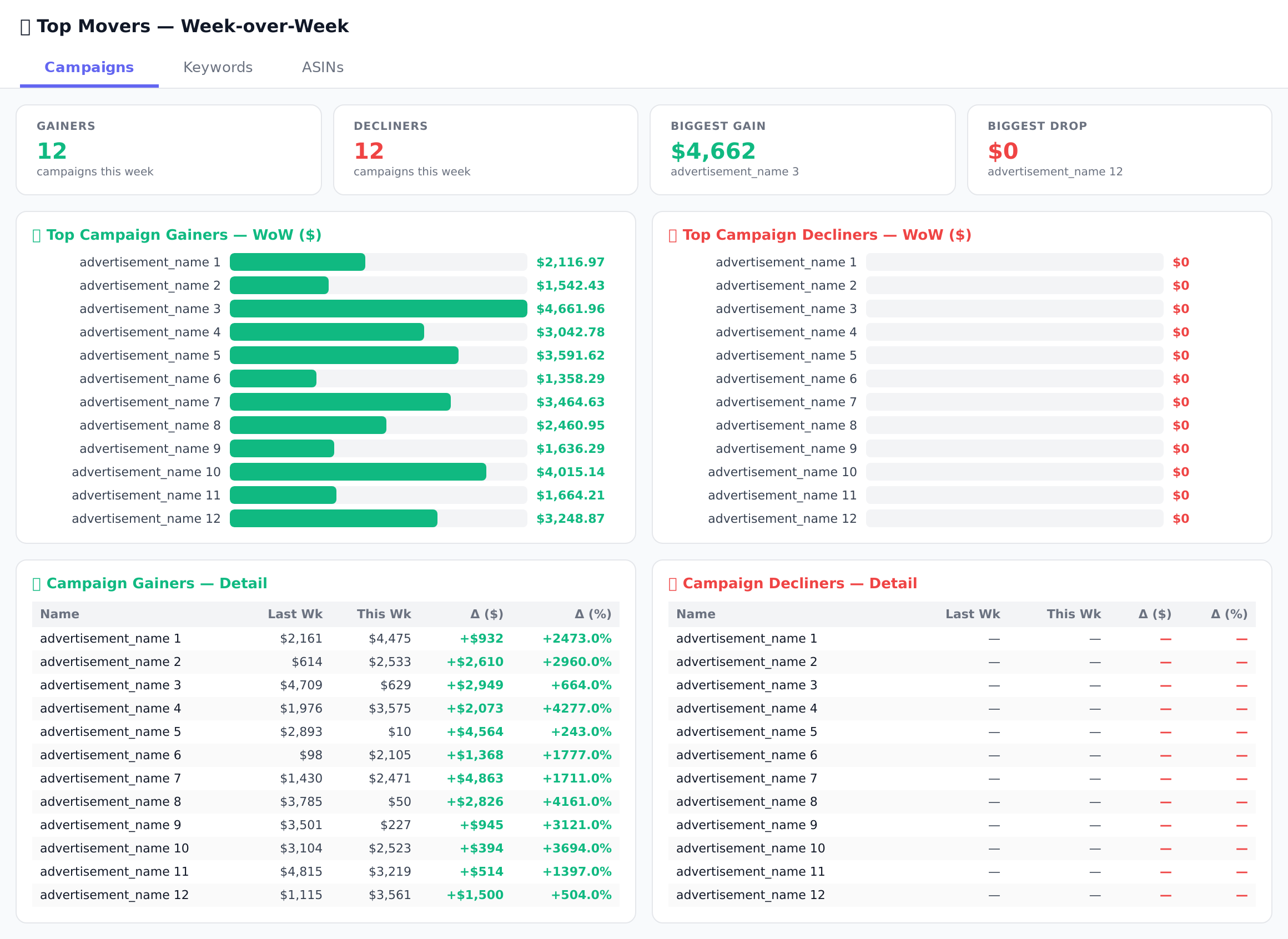
Sample figures. Your own numbers appear the first time the skill runs.
Frequently Asked Questions
The skill loads campaign ad sales, impressions, and ACoS for this week and last, then ranks the biggest decliners by ad sales change. Each line carries both the absolute change and the percentage change, so you can see which campaigns account for the dip before the Monday standup.
A full Monday to Sunday week, compared against the Monday to Sunday week before it. Fixing the boundaries keeps the comparison clean rather than sliding part-weeks against each other.
Yes. Campaigns, keywords, and ASINs present in one week but not the other are preserved rather than dropped, so things that went live or went dark this week still appear.
Which keywords does it include?
No. It only reports. Every action — a bid change, a pause, a listing review — stays with you.
Campaigns, keywords, and ASINs each export to their own dated tab in the Top Movers Weekly Report Google Sheet. Runs append rather than overwrite, so the sheet builds a weekly history you can read back over.
Something drops on a Tuesday and you notice on Friday. By then the rank has moved too.
Every one of these runs on your own account.